Use your own server and eliminate recurring fees.
You are in control. Your files go directly to your server, no third parties, no data collection.
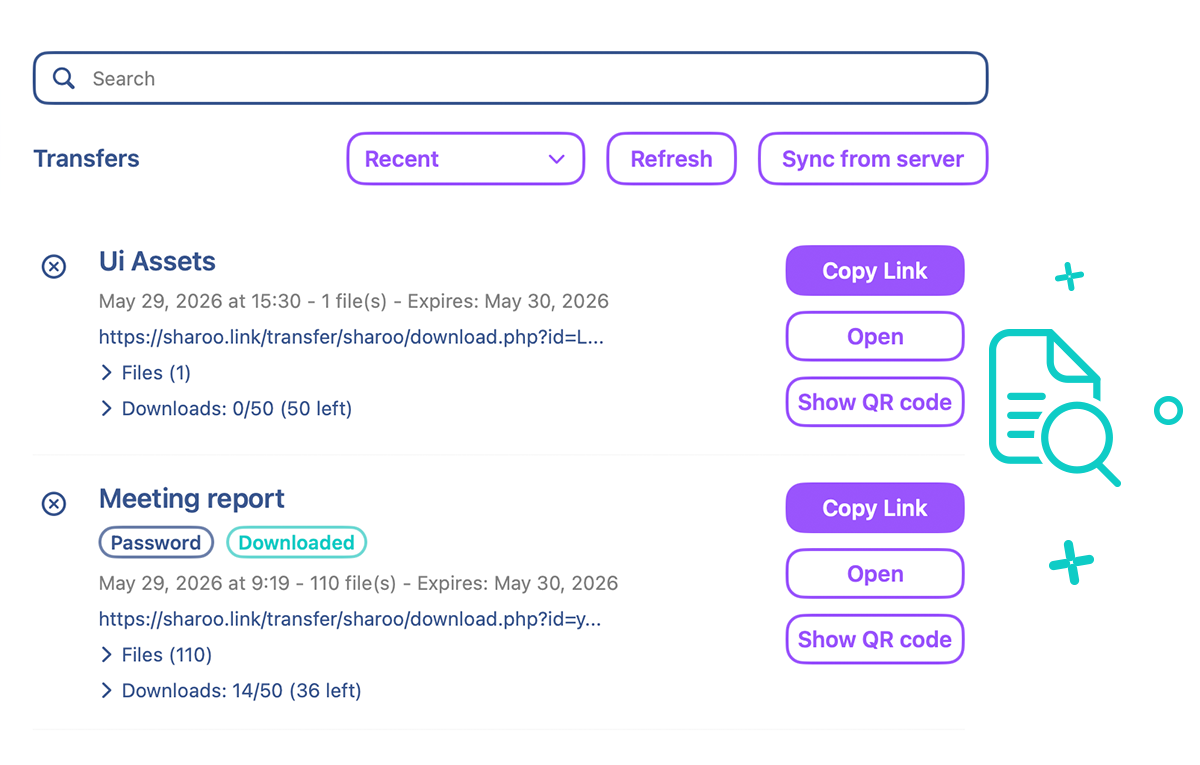
Everything you need to manage and track your transfers with ease.
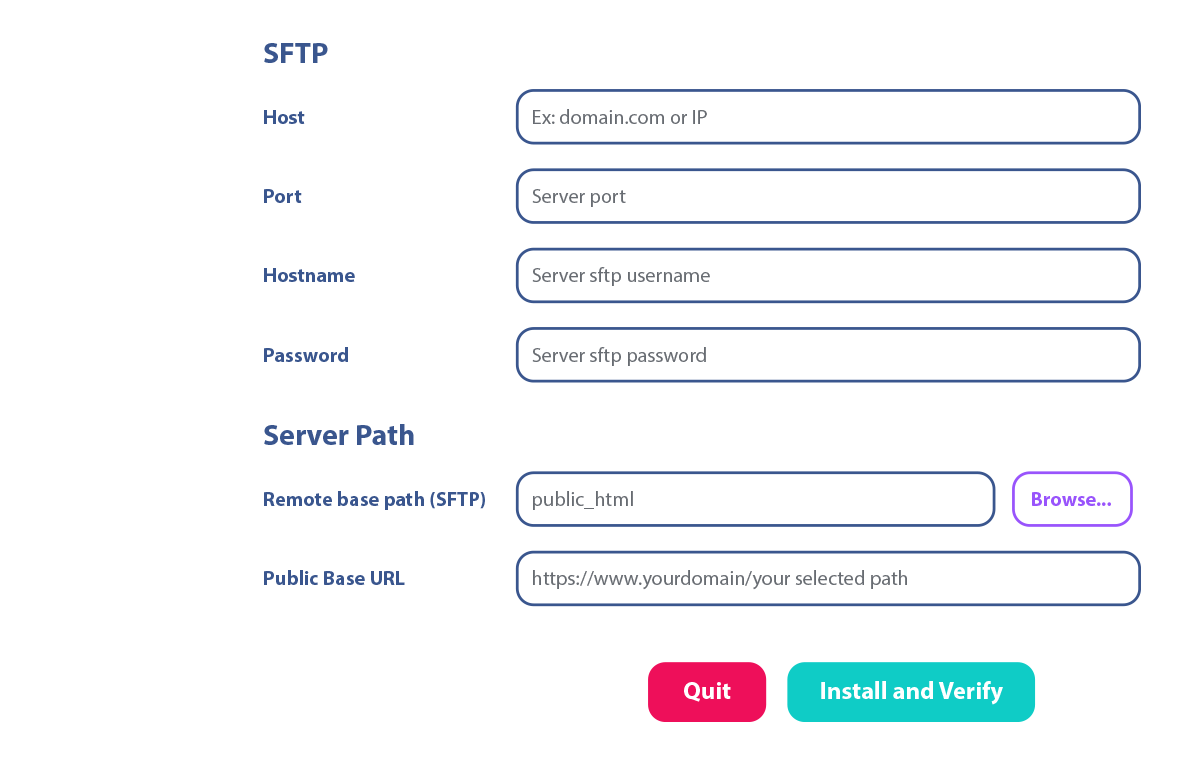
Simple setup and intuitive configuration in just a few clicks.
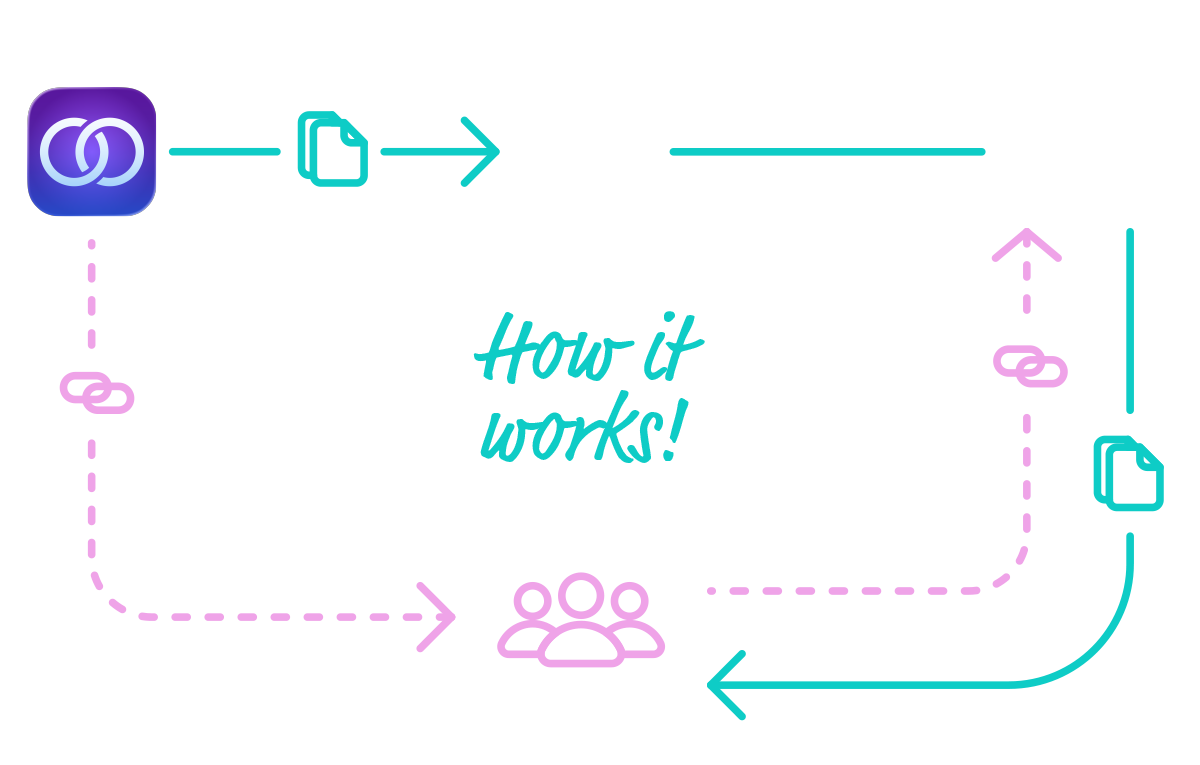
How the App Handles File Transfers
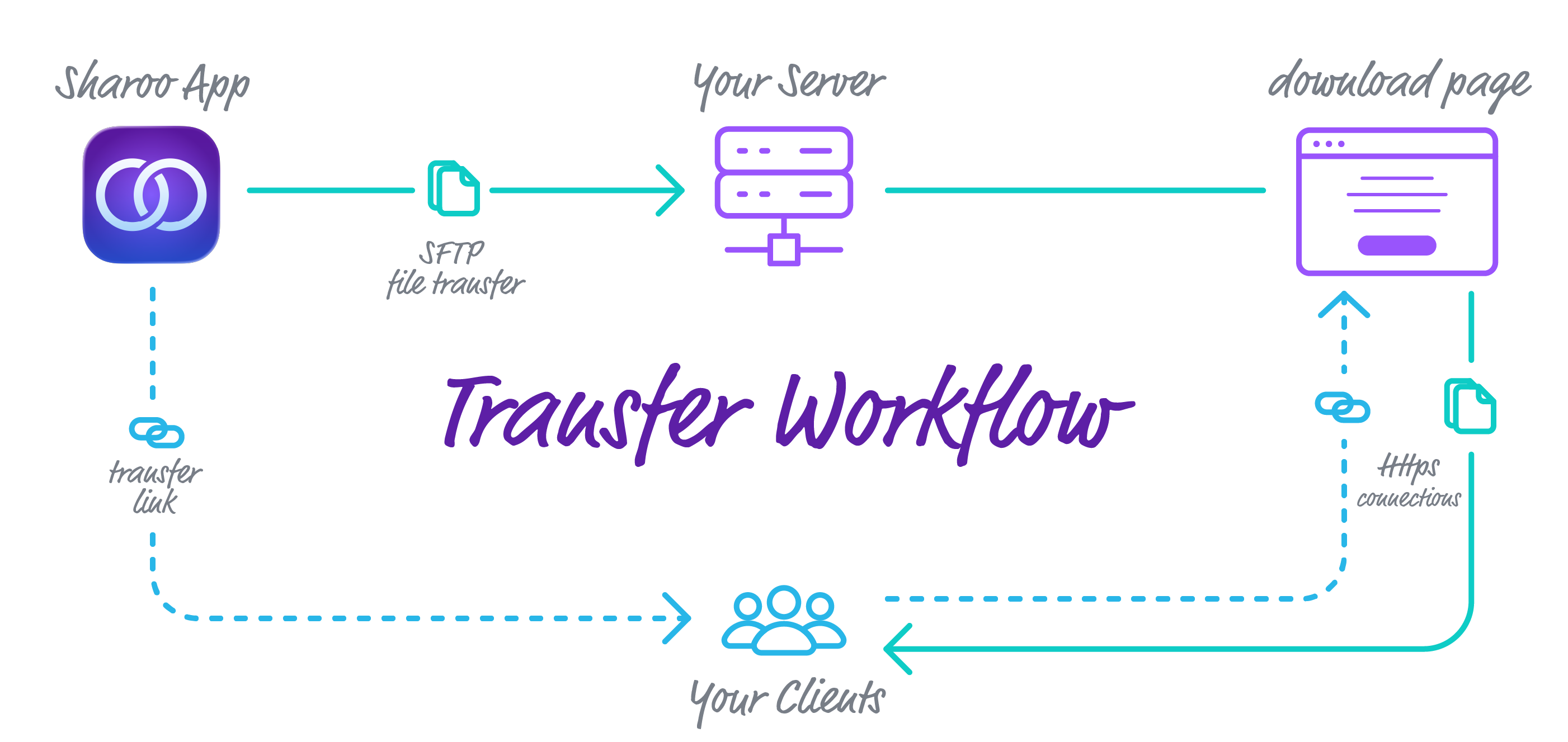
In the Sharoo app, enter your server address, credentials, and port, then choose the folder for your transfers. Once configured, the app will install a server kit inside that folder, which will generate dynamic pages for your transfer links.
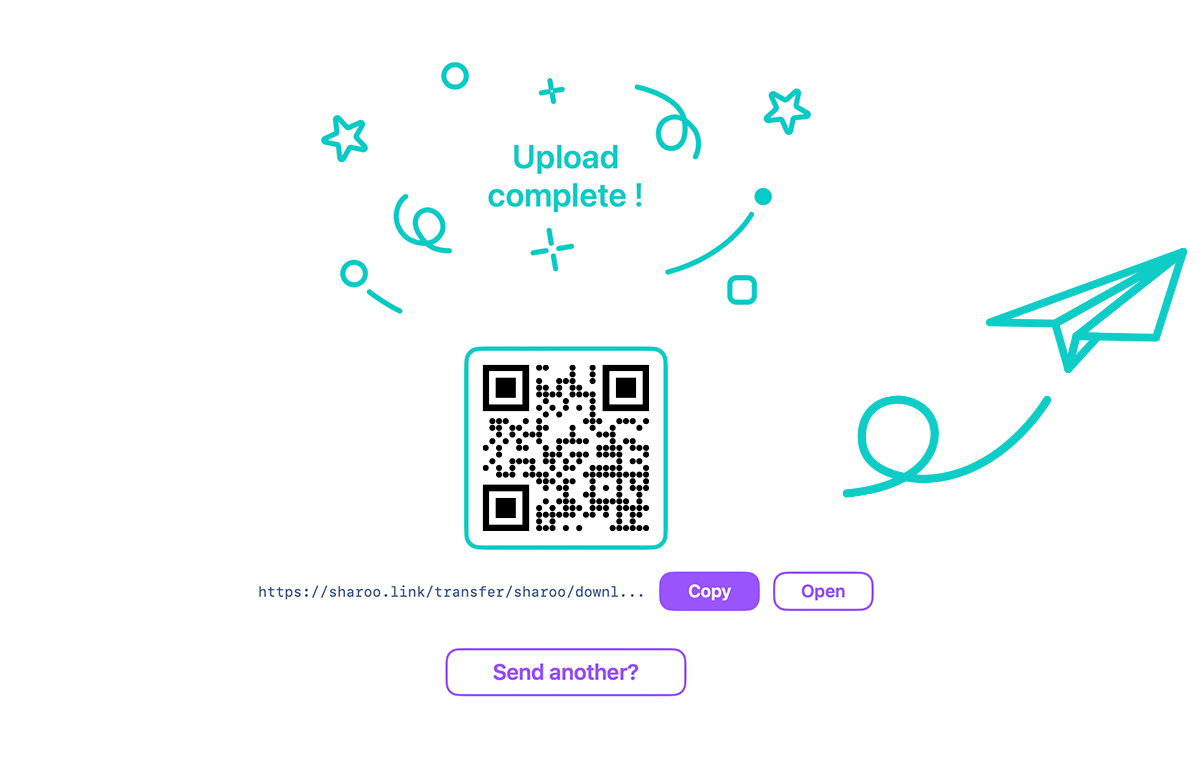
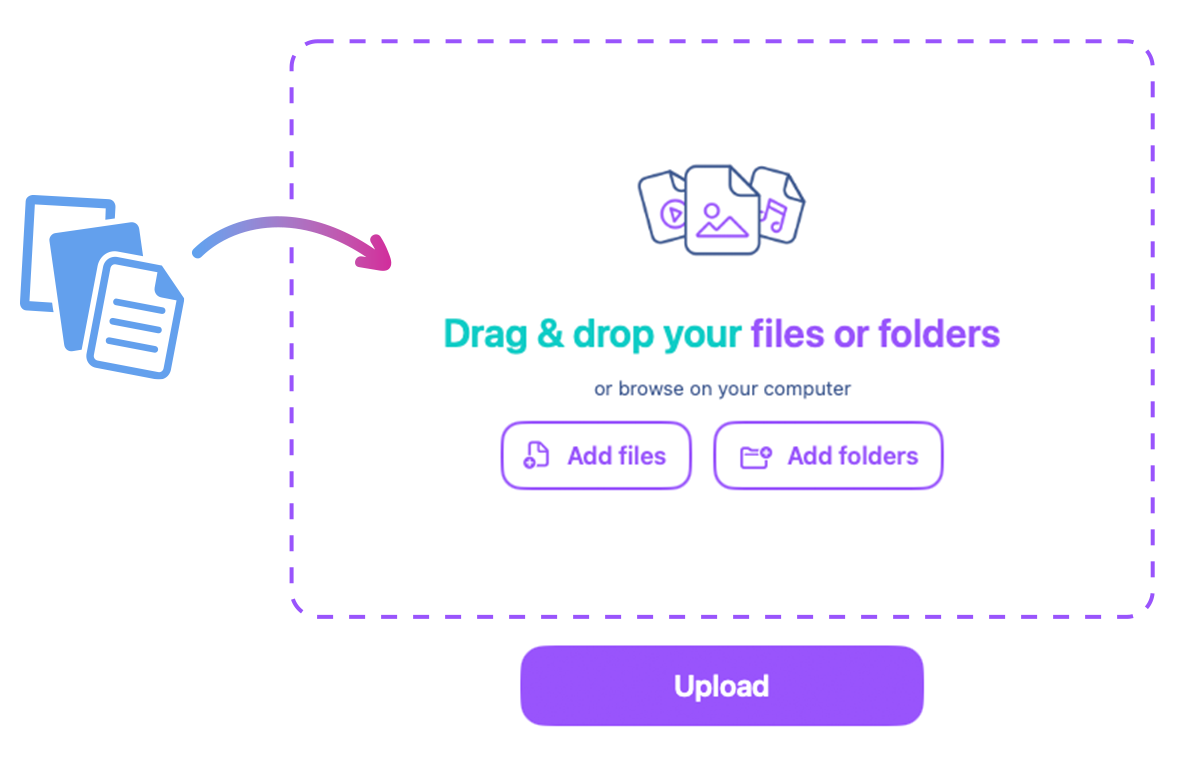
Drag and drop your files into Sharoo. They will be securely transferred via SFTP to your server, and the app will generate a custom link along with a QR code.
Send the generated link or QR code to your client using email, chat, or any communication tool. Your client can instantly access the transfer page without creating an account.
Once you send the link to your client, they will open a web page showing all the files. They can choose to download individual files or all files in a single ZIP.
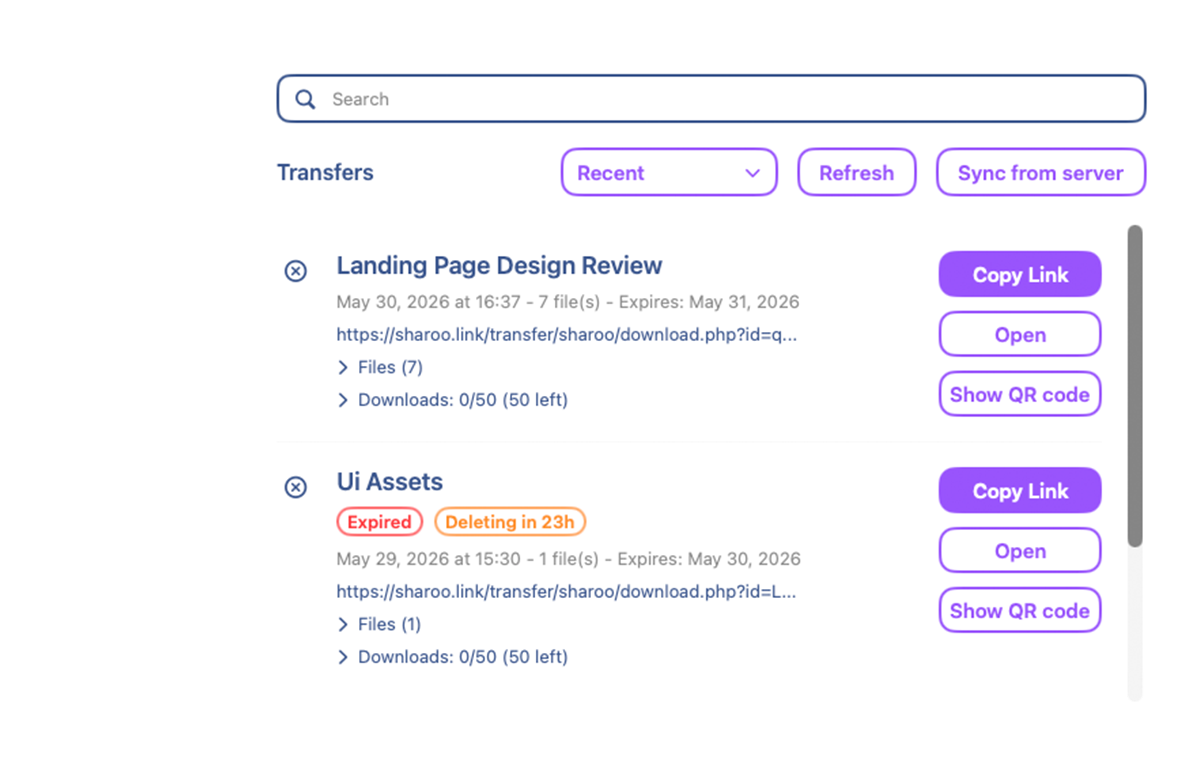
In the History page, you can see all completed transfers with full details: link, QR code, date, size, and more. You can also delete transfers and check exactly when each file was downloaded, as well as which files were accessed.
Sharoo is built to keep your data where it belongs, with you
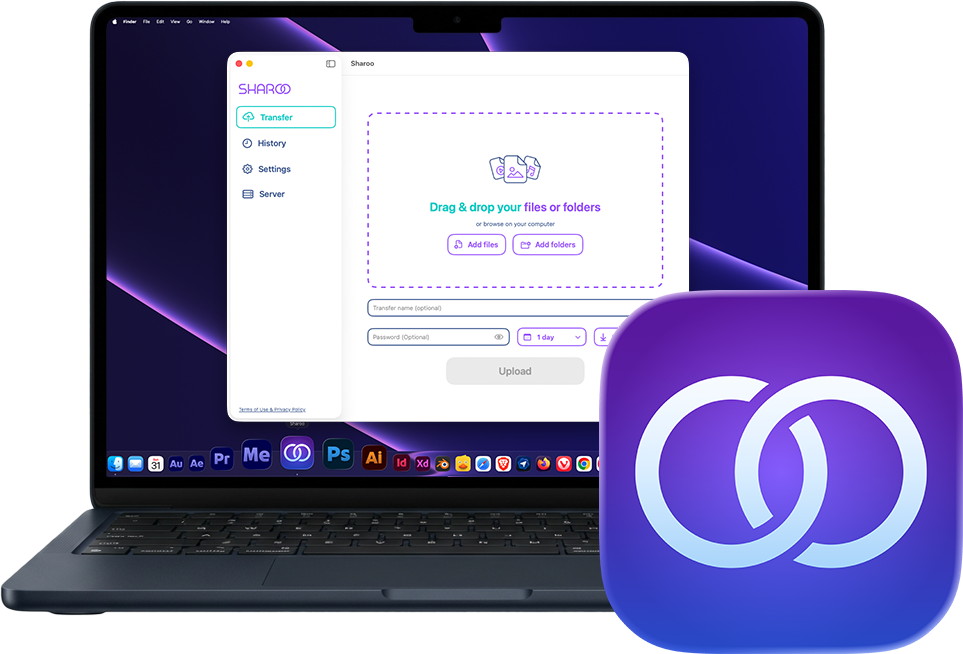
Sharoo is a macOS app that runs entirely locally on your computer. It connects only to the server you configure, there are no other connections, no data collection, and no third-party services involved. Your server credentials are stored securely in the Apple Keychain, and nothing leaves the app except the files you deliberately upload to your own server.
Sharoo runs on your Mac. No cloud backend, no remote servers, just your machine talking to your server.
We don't track you, we don't collect analytics, and we don't sell your data. There is simply no data to collect.
Your server login details are stored exclusively in Apple's secure Keychain. No credentials are ever sent anywhere else.
The only data leaving your Mac is the files you upload, and they go straight to your own server, nowhere else.
Everything runs directly on your server. No database required.
Sharoo connects to your server via SFTP and installs a lightweight server kit inside the folder you specify. No database is needed, the entire system is built on a combination of .htaccess files, PHP scripts, and JSON files.
When you share a transfer link, the recipient opens a secure HTTPS page where they can view the file list, download individual files, or download everything as a single ZIP, all served directly from your server, with no third-party services involved.
What you need on your Mac and your server to start sharing files with Sharoo
Sharoo is a macOS app that connects to your web server via SFTP. The server needs Apache with .htaccess support, PHP, SFTP access, sufficient disk space, and a valid SSL certificate for HTTPS. No database is required.
See how Sharoo stacks up against the competition
Unlike WeTransfer and Smash, Sharoo has no subscription fees. Your only limits are the ones set by your own server, storage, bandwidth, and file size depend on your hosting plan, not on arbitrary restrictions imposed by a third-party service.
| Sharoo | WeTransfer (Starter) | Smash (Pro) | |
|---|---|---|---|
| Monthly fee | ✓ None | From €8/mo | From €10/mo |
| Storage | ✓ Your own server | 2 TB | 1 TB |
| Transfer expiry | 30 days | 3 days | 30 days |
| Track downloads per file | ✓ | ✓ | ✗ |
| QR code generation | ✓ | ✗ | ✗ |
| Control download count | ✓ | ✗ | ✗ |
| Full data ownership | ✓ | ✗ | ✗ |
| Custom domain | ✓ Your own domain | ✗ | ✗ |
| Complete data ownership | ✓ | ✗ | ✗ |
Table data last updated: June 1, 2026
Help and resources to get the most out of Sharoo
Any standard web hosting plan or VPS that supports PHP 7.4 or higher and Apache with mod_rewrite will work. You also need SFTP (SSH) access and an SSL certificate for HTTPS.
No, Sharoo does not require any database. The entire system runs on a lightweight server kit made of PHP scripts, .htaccess files, and JSON files, all deployed directly on your server.
Yes, you can set a password for each transfer. Only people who know the password will be able to access and download the files.
No. All data is handled exclusively between the app on your Mac and your own server. No data of any kind, files, credentials, transfer details, or usage statistics, is ever sent to Sharoo or any third-party server.
Not at all. Sharoo is a one-time purchase from the Mac App Store. You use your own server, so there are no recurring fees or hidden costs, just pay once and own it forever.
You decide. Sharoo lets you set a custom expiration date for each transfer, up to a maximum of 30 days. You can also limit the number of downloads before the link expires automatically.
Yes, Sharoo provides detailed download statistics for every single file in your transfer. You can see exactly which files were downloaded, the date and time of each download, and the total number of times each file was accessed, all from the History page inside the app.
Running into issues? Visit our troubleshooting page for step-by-step solutions to the most common problems you may encounter while using or configuring Sharoo.
View Solutions
Have a question or need help? Drop us a message